
接入 WooCommerce
其他语言版本: English·Français·हिन्दी·Polski
Overview
连接 WooCommerce 店铺,让 Keysender 自动交付数字产品。
授权店铺后,Keysender 会接收每笔已付款订单,将其与您关联的库存匹配,并将码交付给买家,全程无需人工操作。完成设置需要您 WooCommerce 店铺的管理员权限。
TL;DR
- 在 Keysender 的 Integrations 下添加 WooCommerce,然后在 WooCommerce 中生成一个读写权限的 REST API 密钥。
- 将店铺网址、Consumer Key 和 Consumer Secret 粘贴回 Keysender 的 Stores 表单。
- 将每个产品关联到一个库存并设为 Active。
Before you start
请确认您已具备:
- Keysender 卖家账户的访问权限。
- WooCommerce 店铺的管理员权限。
Steps
在 Keysender 中添加 WooCommerce 集成
在 Keysender 中打开 Integrations。
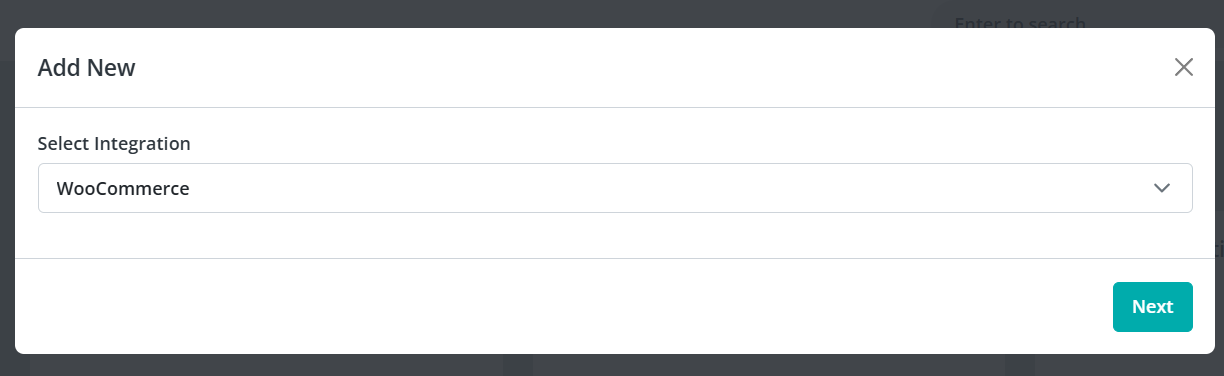
找到 WooCommerce 并点击 Add New。
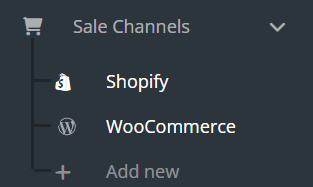
在侧边栏打开 WooCommerce,确认您的 WooCommerce 产品已显示。
在侧边栏选择 Stores,然后点击 Add New。
创建 WooCommerce REST API 凭证
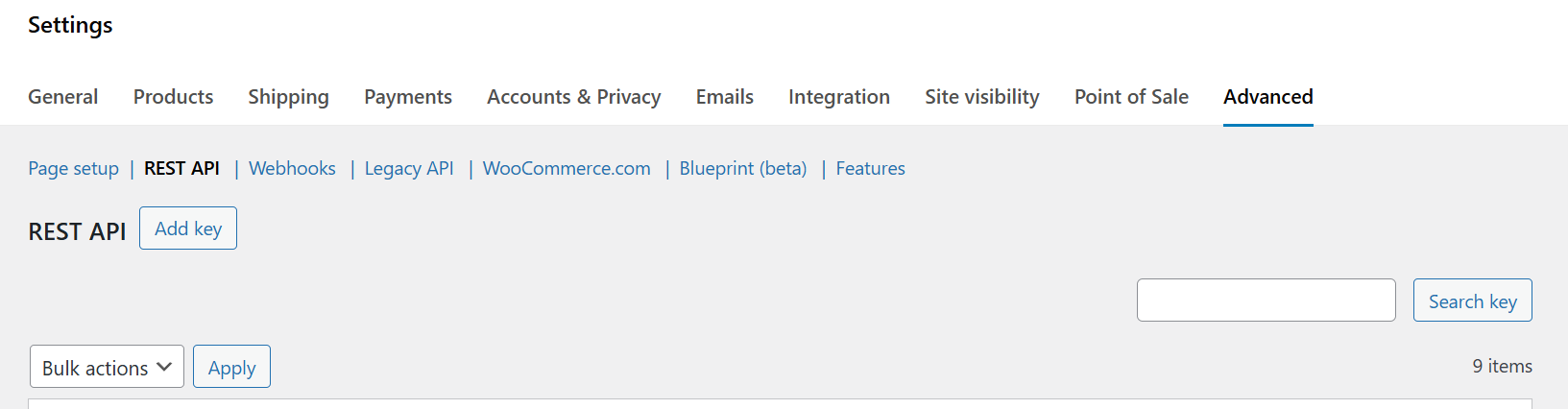
在您的 WooCommerce 后台中,依次进入 Settings,Advanced,REST API。
点击 Add key。
输入一个说明,例如 "Keysender Integration"。
将 Permissions 设为 Read/Write。
点击 Generate API Key。
复制 Consumer Key 和 Consumer Secret。
在 Keysender 中连接店铺
返回 Keysender 中的 Stores 表单。
输入您的店铺网址,粘贴 Consumer Key 和 Consumer Secret。
点击 Save,授权连接。
将产品关联到库存
在 Keysender 中打开 WooCommerce,然后 Products。
将每个 WooCommerce 产品关联到对应的 Keysender 库存。
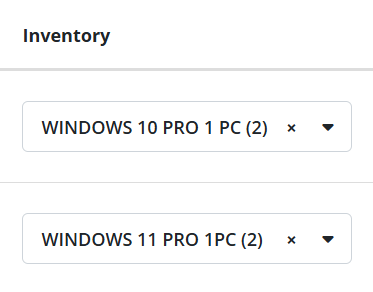
打开某个具体产品,将其关联到对应的 Keysender 库存。
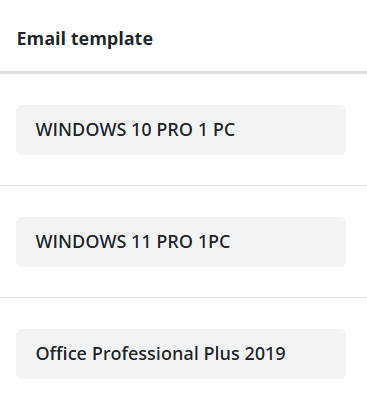
如果需要自定义发货邮件,可为其指定模板,然后将其状态设为 Active。
Troubleshooting
| Symptom | Cause | Action |
|---|---|---|
| Keysender 无法连接 WooCommerce | 创建 REST API 密钥时权限为只读 | 重新生成一个具有 Read/Write 权限的密钥 |
| 订单已生成但未发码 | 该产品未关联库存,或其状态不是 Active | 关联库存并设为 Active,然后重新发送该订单 |
| 发货时使用了错误的邮件模板 | 该产品的模板选择未被保存 | 重新打开该产品,重新选择模板并保存 |
Confirm it works
您的 WooCommerce 产品会在 Keysender 中显示并关联好库存。买家在您的 WooCommerce 店铺下单后,Keysender 会自动完成发货。
If it still is not working
请提交一份工单,以便 Keysender 支持团队进行审核。
FAQ
Keysender 无法连接 WooCommerce
重新生成一个具有 Read/Write 权限的密钥 (创建 REST API 密钥时权限为只读).
订单已生成但未发码
关联库存并设为 Active,然后重新发送该订单 (该产品未关联库存,或其状态不是 Active).
发货时使用了错误的邮件模板
重新打开该产品,重新选择模板并保存 (该产品的模板选择未被保存).