Connect your Allegro seller account to Keysender to automate digital product delivery for Allegro orders. Once connected, each paid Allegro order is matched to a product database and the code is delivered to the buyer without manual work. You need an active Allegro seller account and a Keysender vendor account to start.
Make sure you have:
Open Integrations in Keysender.
Click Add New.
Select Allegro from the integration list and click Next.
Authorize Keysender on the Allegro page when you are redirected.
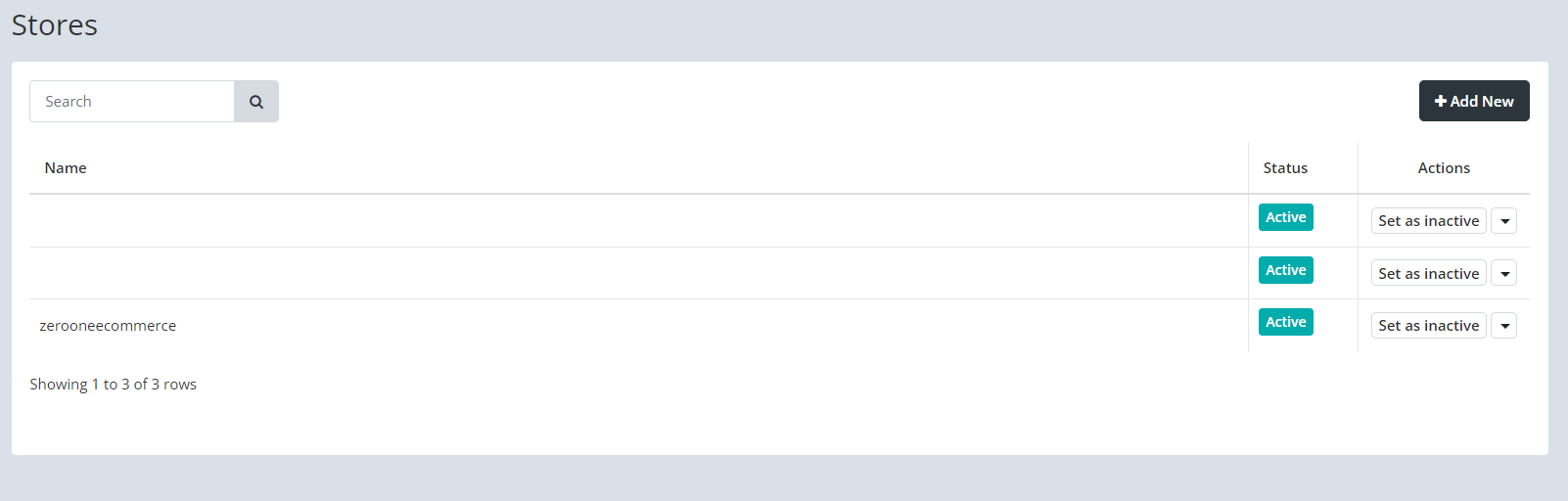
Select Allegro then Products from the left panel.
Click Refresh to import your Allegro listings.
Set the monitoring status to Active for each product you want Keysender to distribute.
Select the email template used each time a purchase is made.
Connect the Keysender inventory database the product is pulled from.
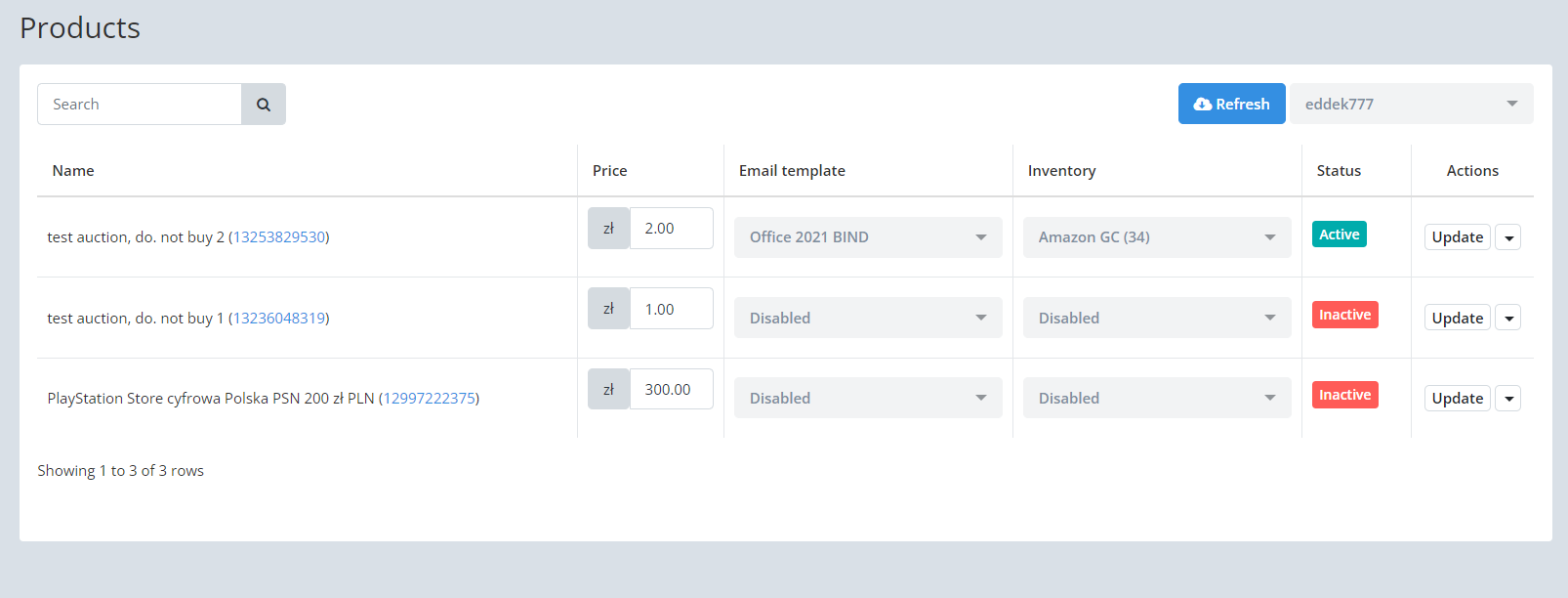
Update the product price if needed.
Click Update to apply your changes.

Your Allegro products appear in Keysender with monitoring active, databases assigned, and templates selected. When a buyer purchases on Allegro, Keysender fulfills the order automatically.
Submit a claim so Keysender Support can review it.
Open Integrations in Keysender and click Add New. Select Allegro from the integration list and click Next. When you are redirected to the Allegro page, authorize Keysender to connect your seller account.
Select Allegro, then Products from the left panel, and click Refresh to import your Allegro listings. Set the monitoring status to Active for each product you want Keysender to distribute automatically.
For each product, select the email template used on every purchase, connect the Keysender inventory database it pulls from, and update the price if needed. Click Update to apply your changes. Keysender then fulfills Allegro orders automatically.
